
Ars Sacra App Tips
After downloading the Ars Sacra app, set it on your electronic device home page for easy daily access
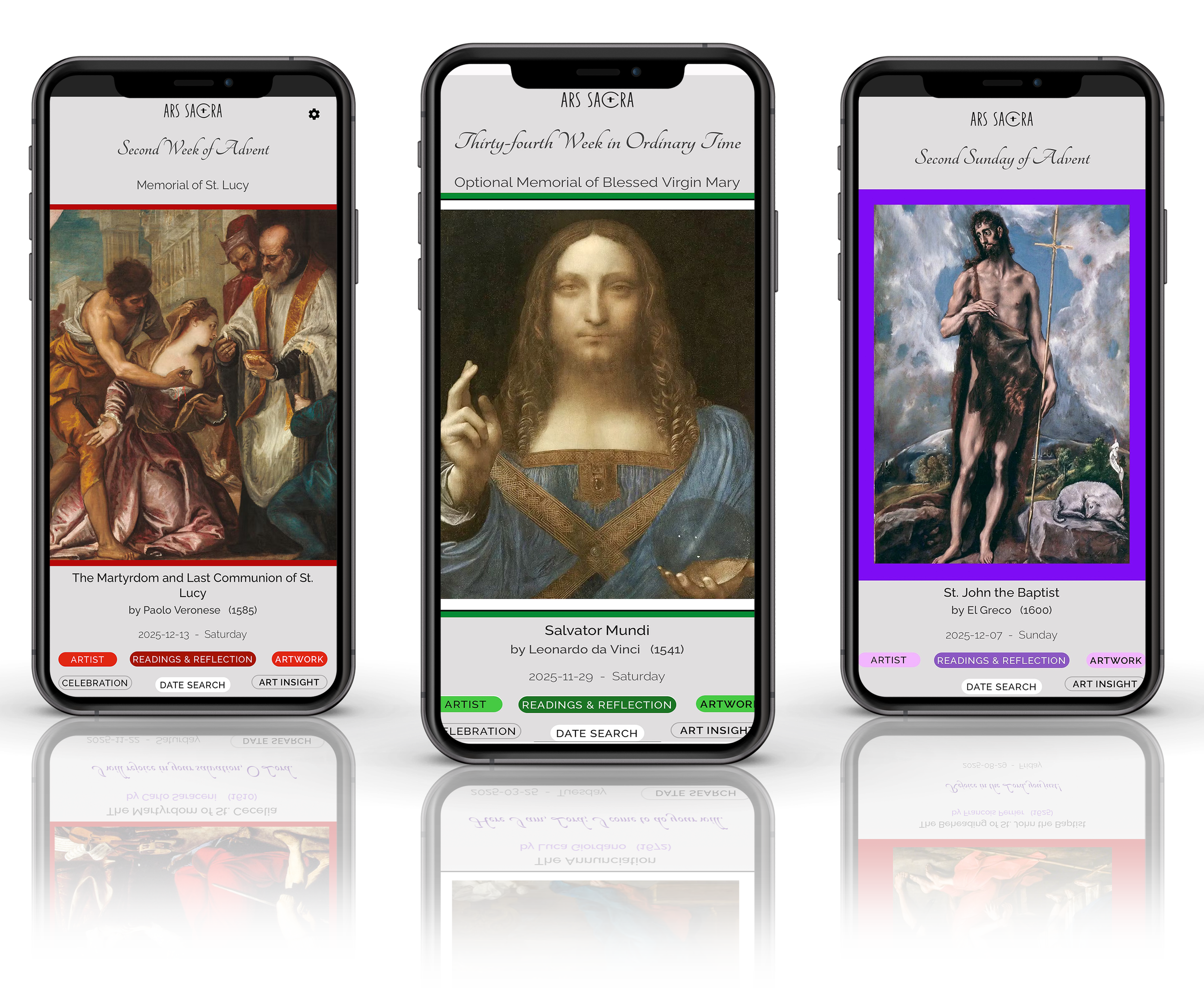
Remember to use these key features in your app
Click on the Artist button to learn more about the artist
Click on the Artwork button to see full artwork in closer zoomable detail
Click on the Readings and Reflection button to access the Daily Readings and Reflection Video
Click on the Celebration button to learn about the Liturgical day celebration (if any)
Click on the Art Insight button to learn more about the artwork
Use the Search button to view other prior dates within your subscription period
The app can be used to generate daily wallpaper for your electronic devices. Use the Contact page on the Ars Sacra website to request help if needed.